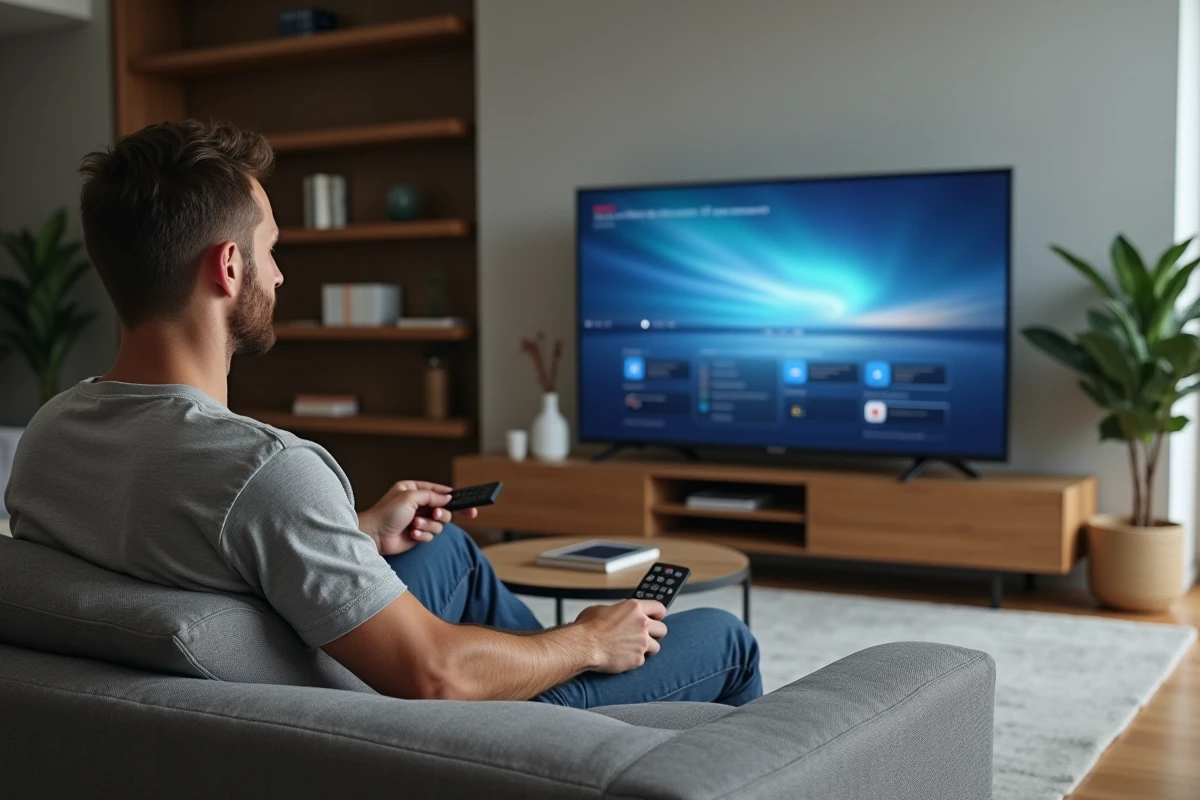
Most LG TVs default to the WebOS home screen at startup, relegating the HDMI source to the background. However, direct boot support on HDMI exists, but access depends on the system version and sometimes even the exact model. Automated functions like HDMI-CEC offer additional options, but their behavior varies depending on the connected devices and internal settings.
Some equipment can still complicate matters: between soundbars, amplifiers, or home theater systems, settings can sometimes lack clarity. To streamline the TV startup and avoid unnecessary detours, a few precise settings are necessary.
Why enabling direct HDMI startup simplifies daily life
Shortening the time between turning on the TV and displaying the expected image is the whole point of an optimized setup. Accessing the HDMI source immediately, without having to navigate through the WebOS menus or juggle between applications, becomes almost essential once a TV box, console, or player joins the living room.
The choice to start your LG TV on HDMI removes a daily irritant: no need to grab the remote every time you turn it on to select the correct input. In a professional environment, from the waiting area to the training room, locking the HDMI port via Hotel mode ensures a controlled experience, with no risk of accidental manipulation. The routine becomes reliable and the setup accessible to everyone.
Particular users also appreciate being able to assign tailored settings to each HDMI port: image (UHD 4K, HDR) or sound (via ARC or eARC) depending on the source. The SimpLink protocol, LG’s version of HDMI-CEC, allows for centralized control: a single gesture is enough to orchestrate all connected devices, with the TV becoming the conductor of a coherent system.
The HDMI-CEC, ARC, and eARC settings to know on an LG TV
LG offers several features to simplify the management of connected devices and provide better audio-visual quality. To enable HDMI-CEC (called SimpLink at LG), head to the connection settings: once activated, the option allows you to control the TV and connected devices (console, Blu-ray player, soundbar, etc.) using a single remote, a welcome centralization.
For the audio part, two features stand out. HDMI ARC (Audio Return Channel) allows sound to be sent from the TV to a soundbar or home theater amplifier using a suitable HDMI cable. HDMI eARC, reserved for HDMI 2.1 ports with Ultra High Speed cable, ensures the transmission of uncompressed audio signals: Dolby Atmos or DTS:X, without compromising on quality.
Here are the concrete steps to follow to enjoy these technological advancements with peace of mind:
- Activate SimpLink (HDMI-CEC) in the TV settings to control all your devices from a single remote.
- To enjoy ARC or eARC, ensure that the chosen HDMI port and cable meet the appropriate standard, depending on the intended use.
- Make sure your audio system supports the desired formats (Dolby Atmos, DTS:X).
LG OLED TVs also come standard with compatibility for Dolby Vision and Atmos, enhancing the immersive experience. Choosing each HDMI port wisely and taking the time to customize settings guarantees daily image and sound quality while reducing unnecessary manipulations.
Troubleshooting recurring issues related to automatic startup or HDMI compatibility
Selecting the correct HDMI input at startup is not always as straightforward as one might hope. On many LG models, the option is hidden in advanced settings, but some devices revert to the WebOS home screen based on the last used source. This automation, inherent to the system architecture, can be confusing if one expects to see the correct source displayed immediately. Hotel mode allows you to lock the HDMI source, protecting the setup from accidental changes.
The other major pitfall concerns the choice of cable and HDMI standards. An uncertified cable (High Speed, Ultra High Speed) can sometimes block ARC or eARC functions or degrade the image. To display UHD, an HDMI 2.0 cable is sufficient, but for eARC and uncompressed sound, the HDMI 2.1 standard is clearly required.
Some good habits can help avoid most inconveniences:
- Set each HDMI port independently to avoid any interference between your devices.
- Activate SimpLink (HDMI-CEC) to ensure proper synchronization between the TV and other equipment.
- If you experience sound or image issues, test another cable or try a different HDMI input to pinpoint the real cause.
The proliferation of connected devices means never letting your guard down on the setup: a disabled CEC option, a bad cable, or a reset of Hotel mode, and everything can become temperamental. Taking the time to check each of these parameters, adjusting according to the installation, and ensuring compatibility of all devices will restore a smooth and coherent experience with a simple gesture on the remote.
Sitting in front of the screen and seeing the correct source displayed without delay: that’s what the standard should be. Just for this comfort, fine-tuning your TV settings becomes a winning reflex.