Most La Crosse Technology manuals describe the reset as a simple press of the RESET button on the back of the station. This procedure is rarely sufficient when the problem stems from a loss of radio connection with the outdoor sensor or from corrupted data history. Here we detail the truly effective manipulations, those confirmed by user feedback on home automation forums for several years.
Interference at 433/868 MHz and loss of outdoor sensor connection
The increasing density of devices emitting on the 433 and 868 MHz bands in homes (home automation hubs, connected roller shutters, various sensors) causes loss of radio connection between the station and the outdoor transmitter. The signal from the sensor gets drowned in ambient noise that older La Crosse Technology models do not filter out.
Before any reset, we recommend identifying nearby sources of interference. Moving the station a few meters away from a Zigbee hub or home automation hub can restore reception without any further manipulation.
If the problem persists, the standard procedure (brief press on RESET) does not free the reception channel. You need to proceed to the complete reset described in the next section, which forces a new clean pairing between the station and the outdoor sensor. To reset the La Crosse Technology weather station in case of reception issues, this approach remains the most reliable according to user feedback on the Jeedom and HCFR forums.

Complete reset procedure: the long method
The procedure we refer to as the “long method” is considered much more reliable than simply pressing RESET. It relies on a complete discharge of the components before re-pairing.
- Unplug the power supply from the station (if it has one) and remove its batteries. Lay it flat, screen facing up.
- Remove the batteries from the outdoor sensor (the transmitter). This step is often overlooked, but it is crucial for the success of the procedure.
- Leave the whole unit without power for ten to fifteen minutes. This delay allows the internal capacitors to discharge and the volatile memory to clear.
- First, reinsert the batteries into the outdoor sensor. Wait for it to emit its first signal (the LED blinks on most models).
- Then, put the batteries back in the station, and reconnect the power if necessary. The station enters sensor search mode and should detect the sensor within minutes.
The order of powering on (sensor before station) is not trivial. The station must start in listening mode to capture the pairing signal from the sensor. Reversing this order often leads to synchronization failure.
Data history corruption and factory reset via key combination
A station displaying aberrant data after reset (stuck atmospheric pressure, inconsistent MIN/MAX readings, partially frozen screen) likely suffers from corrupted internal memory. Repeated power outages and weak batteries left in place for too long are the most common causes.
The long method described above does not always resolve this type of blockage, as it does not purge the history stored in non-volatile memory. On several La Crosse Technology models, a complete memory wipe (clear data or factory reset) exists via a key combination not documented in older paper manuals.
Accessing the factory reset on current models
La Crosse Technology technical support has communicated the following manipulation to users: simultaneously hold the SET and MIN/MAX (or HISTORY depending on the model) buttons while inserting the batteries. The screen briefly displays all LCD segments before returning to zero. This sequence erases all recorded data, including temperature alert thresholds and the reference pressure setting.
After a factory reset, the station starts up as if it were new from the factory. You need to manually reconfigure the time zone, display format (12/24 H, °C/°F), and the reference value for atmospheric pressure if the station is a model that allows it (WS7394, TM 8035, for example).
Post-reset settings not to be overlooked
Most users reinsert the batteries and consider the operation complete as soon as the screen lights up. However, three settings condition the reliability of the displayed data.
Relative atmospheric pressure must be adjusted to the local reference value. Without this calibration, the weather forecasts by icon (sun, clouds, rain) will drift within a few days. Check the sea level pressure on a reference site and report this value using the SET or ADJ button depending on your model.
The DCF time signal (or radio-controlled reception) can sometimes take several hours to synchronize after a reset. If the station has not captured the signal after a night, disable and then re-enable DCF reception (ON/OFF or WAVE button) to force a new attempt. Manual time setting is always available as a backup.
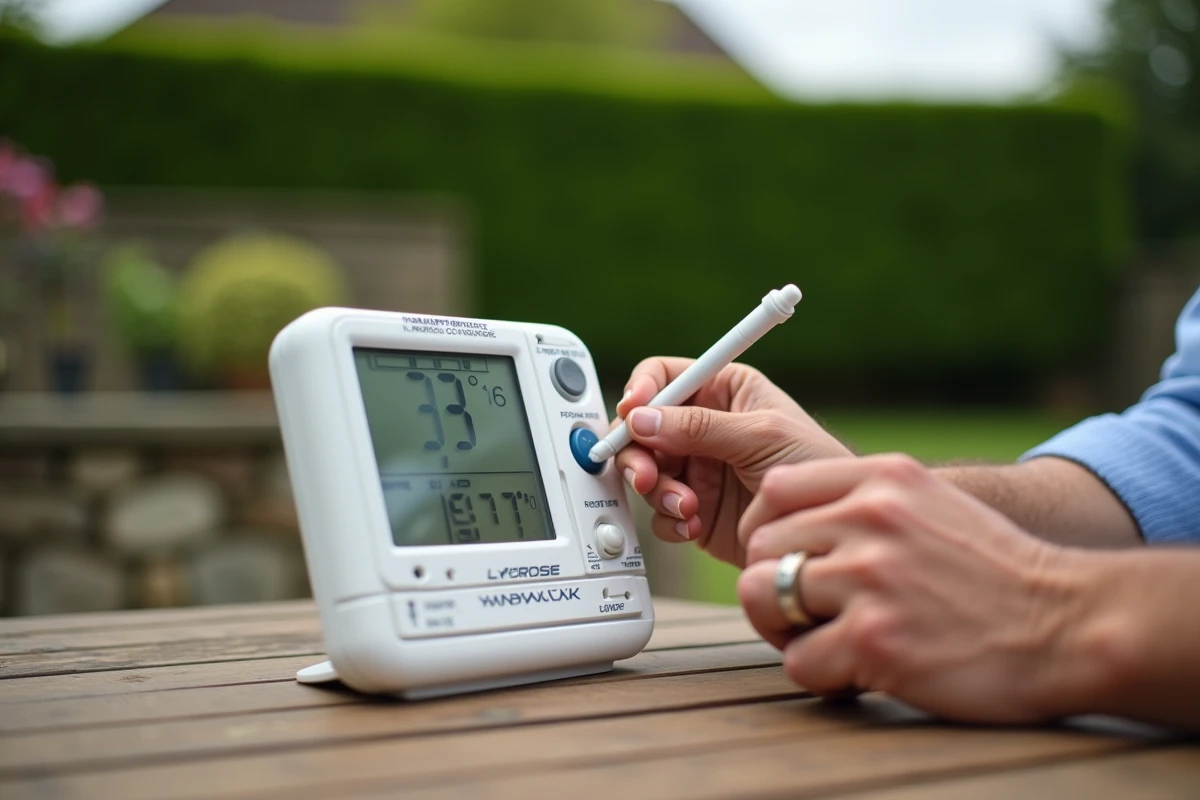
Finally, check that the station is displaying the channel of the outdoor sensor. Some models manage up to three channels (CH1, CH2, CH3). If a neighbor is using a La Crosse sensor on the same channel, your station may pick up their temperature data. Change the channel on the sensor before restarting the pairing to avoid any measurement confusion.
One last often-overlooked point: partially discharged batteries are the primary source of recurring malfunctions on these stations. Always use new quality batteries during the reset, never rechargeable batteries whose lower nominal voltage can prevent radio signal reception.